Why Create a Lowvyn Account? What It Adds and What Stays Free
Most of Lowvyn works without an account. Here is what changes when you create one, and why syncing your tracked items across devices is the biggest reason to sign up.
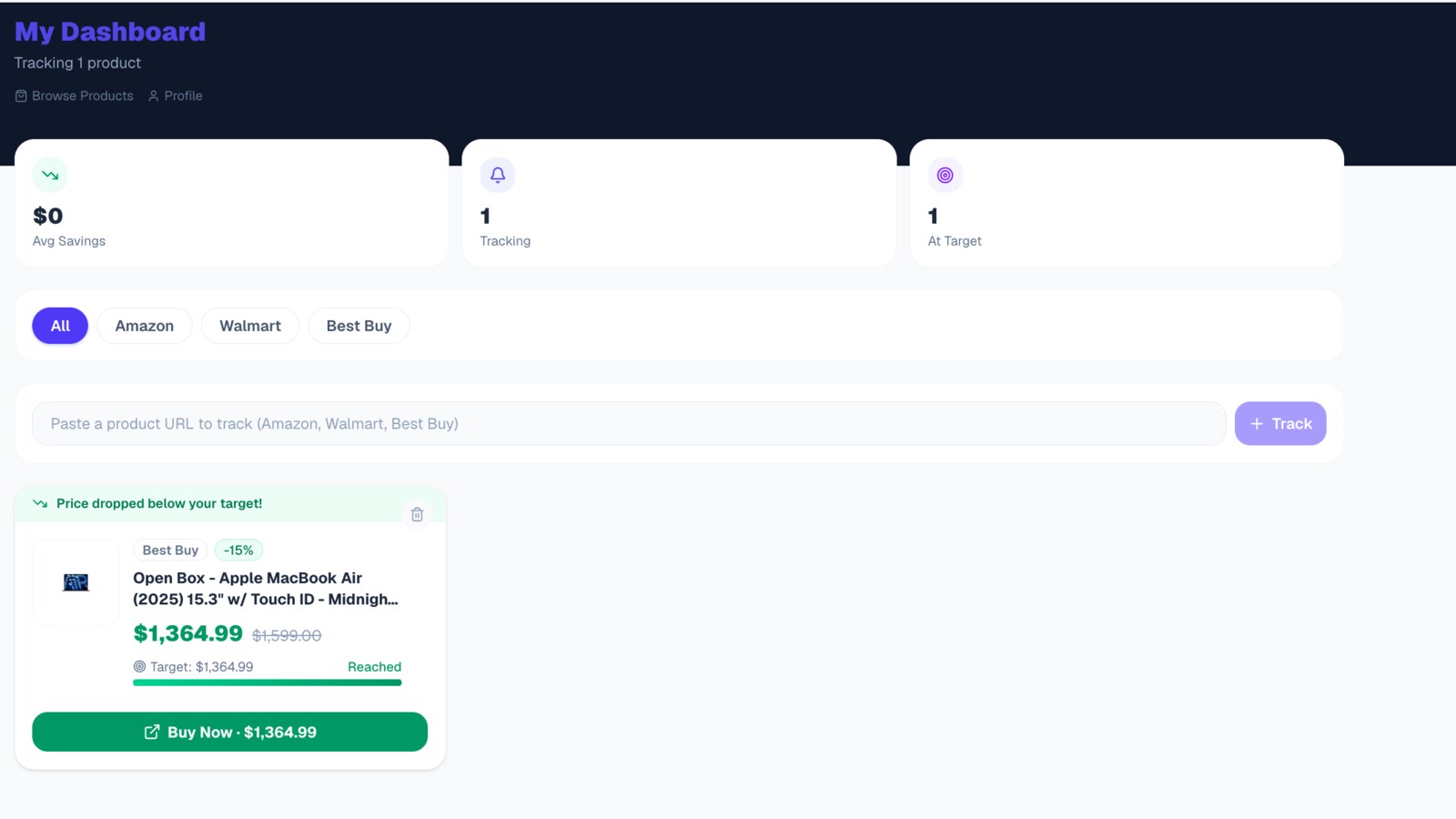
Most of Lowvyn works without signing up
You can browse every product on Lowvyn, check price histories, read Lowvyn Scores, and see Deal or No Deal verdicts without creating an account. The blog, the deals pages, and the category pages are all public. No login required.
The browser extension also works without an account. You can install it, visit a product page on a retailer like Amazon.ca, Walmart.ca, or BestBuy.ca, and see the price data right there.
So why create an account?
Your tracked items sync across devices
This is the main reason. Without an account, your tracked items live only in your browser extension on one device. If you track a stroller on your work laptop, you cannot see it on your phone or your home computer.
With a Lowvyn account, your tracked items sync to the web. You can log in at lowvyn.com from any device and see everything you are tracking. Your phone, your partner's laptop, your tablet. Anywhere you have a browser.
This matters in practice more than it sounds. You are at a store and want to check if the price in front of you is good. You pull up lowvyn.com on your phone, see the product's price history and Lowvyn Score, and make a decision in ten seconds. Without an account, that information would be locked on your laptop at home.
Price drop notifications reach you anywhere
Without an account, price alerts only work through the browser extension. Your laptop needs to be open and the browser running for you to get notified.
With an account, your tracked items and alerts are on the server. When a price drops to your target, the notification is tied to your account, not your browser session. You can check your dashboard from any device and see which prices have moved.
This is especially useful for baby gear purchases where you are tracking five or ten products at once. You set your target prices, go about your week, and check in when it is convenient. No need to keep a specific browser open on a specific machine.
Your partner can check too
If you are shopping for baby gear as a couple, a Lowvyn account lets both of you see the same tracked items. One person adds a car seat to the watchlist from the extension. The other checks the price from their phone on the web. No need to send links back and forth or duplicate the tracking.
Submit community deals
Lowvyn's community deal submissions are available to logged in users. If you find a deal at a store Lowvyn does not track (Canadian Tire, Costco, Home Depot, or anywhere else), you can submit it for other shoppers to see.
This is a small feature but it helps the community. The more deals people share, the more useful the deals page becomes for everyone.
What an account does not change
To be clear about what stays the same with or without an account.
Price history and Lowvyn Scores are always public. You do not need an account to see any product data on the website.
The extension works without an account. You can track items locally in the extension without signing up. An account adds sync, not basic functionality.
There is no paid tier. A Lowvyn account is free. There is no premium upgrade, no trial period, no feature gating. Everything is available when you sign up.
How to create an account
- Go to lowvyn.com/signup
- Enter your email and create a password
- Verify your email
- Log in to the browser extension with the same credentials
Your extension data will sync to your account. Any items you were tracking locally will appear on the web dashboard.
The whole process takes about a minute.
Start tracking prices for free
Get alerted the moment any product hits your target price.
Create free account