Inside the Lowvyn Extension v7: Every Feature, Every Permission, Every Privacy Choice
A complete walkthrough of the Lowvyn browser extension as of v7.5. What it tracks for you, the permissions it asks for and why, and what we do and do not do with your data.
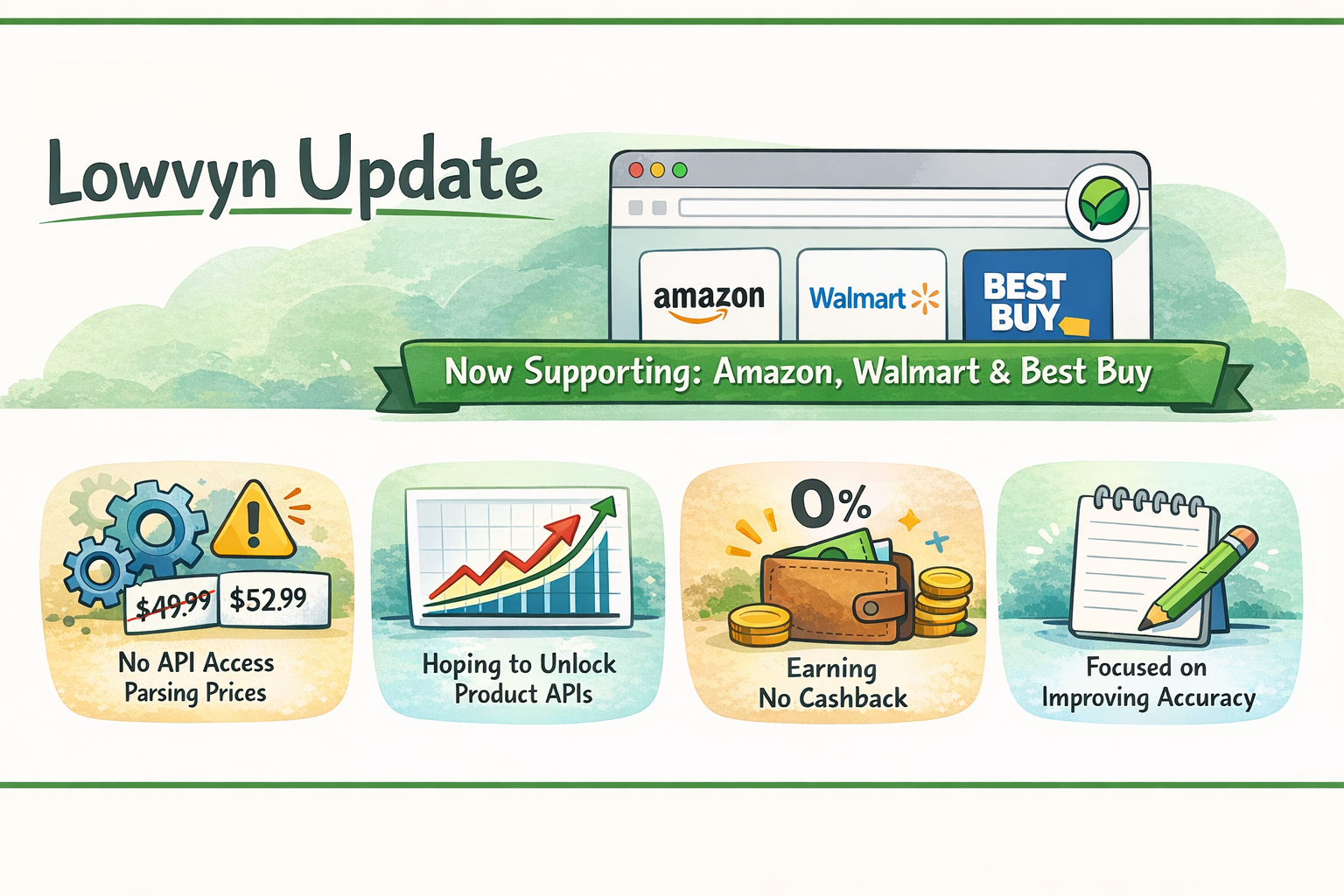
Version 7 of the Lowvyn browser extension shipped across six minor releases between late April and May 2026, and we never published a proper write-up of what changed. That is a gap worth closing. This post is the complete reference for what the extension does today, what permissions it asks for and why, and exactly what we promise about your data.
If you already use the extension, this is the post to read once and bookmark. If you have not installed it yet, this is the post that lets you decide whether you want to.
The short version
What it does: when you shop on Amazon.ca, Walmart.ca, or Best Buy Canada, Lowvyn shows you whether today's price is actually a good deal, where else the same product is available, and how the price has moved over the last 90 days.
Permissions it asks for: storage, alarms, notifications, scripting, and the ability to read product pages on the three Canadian retailers above (plus international Amazon storefronts if you shop on those). Each one is explained below with the specific feature it powers.
Privacy posture: the extension only reads product information (title, price, image, category) from supported retailer pages. It does not track your browsing history, passwords, payment details, or anything outside those retailer pages. Behavioural telemetry is on by default but plainly togglable in Settings, and what we do collect is hashed or coarsely aggregated before it leaves your browser.
The rest of this post is the long version of all three.
What the extension does
1. Price history on every product page
This is the core. Visit a product page on Amazon.ca, Walmart.ca, or BestBuy.ca and Lowvyn shows the 90-day low and high, the typical price, and where today sits in that range. No need to leave the page, open a tab, or copy-paste a URL.
If the product is one we already track (over 6,500 active Canadian products as of writing), you also see the Lowvyn Score, a number from 0 to 100 that summarises whether the current price is genuinely a deal. Scores of 75 or higher mean today's price is unusually good. Scores under 40 mean wait.
2. The Deal Overlay (v7.0)
The Deal Overlay is the small pill that appears in the top-right of the product page. Click it and it expands into a card with:
- The Lowvyn Score and a plain-language verdict ("Good Deal", "Average", "Wait")
- A short explanation of why the verdict says what it does
- The 90-day low and high price
- An "Also available at" mini-list if the same product is cheaper at another retailer (more on that below)
- A "Buy via Lowvyn" button that routes through our affiliate redirect
- A "View full history on Lowvyn" button that opens the matched product page on lowvyn.com
The overlay lives inside a Shadow DOM so retailer page styling cannot affect it and our styling cannot leak onto the host page. If a particular product or page is noisy, click "Hide for 24h" and the overlay stays hidden on that URL for the next day. Per-retailer mute is also available in Settings.
3. The Cheaper Elsewhere banner (v7.4)
This is the headline feature of v7. When the Lowvyn server detects that the same product you are looking at is available cheaper at one of the other two Canadian retailers, a slim banner appears across the top of the page. It tells you which retailer has it, what the savings are, and gives you a one-click route through to that listing.
The banner has thresholds. It only appears when the savings are at least five dollars or at least ten percent, so trivial price drift does not produce noise. It dismissals at two levels: hide on this URL for 24 hours, or hide on this retailer entirely for 30 days. You stay in control of how often you see it.
This feature only works because of how Lowvyn matches the same product across Amazon, Walmart, and Best Buy. That matching is also the headline reason the extension is useful: any single retailer can tell you its own history, but only a cross-retailer view can tell you that the same stroller is forty dollars cheaper across the street.
4. Cross-retailer matching signals (v7.1)
Extracted automatically from each product page: UPC (universal product code), MPN (manufacturer part number), and brand. These three identifiers travel back to the Lowvyn server where the matching pipeline links the same product across retailers even when the titles look completely different ("Graco Modes Pramette Travel System" on Amazon vs "Graco Modes Pramette - Travel System with SnugRide" on Walmart). You do not need to do anything: the extension extracts these whenever you visit a tracked retailer page.
5. Track items with one click
Visit a product page, click the Lowvyn icon in the toolbar, and click "Track this". The item is added to your local extension list immediately and synced to your Lowvyn account on the next refresh. From there you can set price alerts, view full history, and remove items from any device.
6. Sliding 30-day sessions (v7.1)
Sign in once and stay signed in. As long as you use Lowvyn at least once a month, your session refreshes automatically. Before v7.1, sessions silently expired after 24 hours and tracked-item sync would quietly stop working without anyone noticing. Now if a session does expire (for example after a password change from another device), the extension shows a "please sign in again" notification rather than failing silently.
7. Faster, more reliable refresh
The "Refresh All" button used to fetch prices one item at a time and take 30+ seconds. Now items that are synced with the Lowvyn server refresh through our API in parallel, completing in a couple of seconds. For locally tracked items, the extension fetches in parallel batches of five and skips individual failures (retailers sometimes block automated requests) rather than aborting the whole run. The popup shows you exactly how it went: "Refreshed 19/21 items (2 skipped)".
8. Automatic product detection
You do not need to click the extension icon to find out whether a product can be tracked. As soon as you land on a supported product page, the extension detects it and shows a small badge on the toolbar icon. Open the popup and there is a one-click Track button waiting.
9. International Amazon support, separated cleanly
The extension works on every Amazon storefront (eighteen of them, including amazon.com, amazon.co.uk, amazon.de, amazon.co.jp). Each one is mapped to the correct local currency. Items from non-Canadian retailers are tracked locally in your browser only. They do not sync to the Lowvyn server and they do not receive Lowvyn Scores, because our score is based on Canadian-retailer history and we will not mix currencies in the same history. Non-Canadian items carry a small "Non-CA retailer" badge so you always know which is which.
Permissions, plain English
Browser permissions are the contract between an extension and the user. Here is exactly what Lowvyn asks for and why, one by one. None of these grant access to anything outside the listed retailers.
storage
Saves your tracked items, your settings (overlay toggles, telemetry preference), and your sign-in session locally in the browser. Without this, the extension cannot remember what you are tracking between page loads.
activeTab
Lets the extension read the URL of the tab you are currently on, so it can tell whether you are on a product page. The permission is scoped to active tabs only, not background ones, and only when you interact with the extension.
alarms
Schedules the once-per-24-hour heartbeat that reports anonymous install + version data back to Lowvyn (so we can see real daily active users instead of the broken Chrome Web Store dashboard). Also schedules periodic price refresh on tracked items.
notifications
Sends you the price-drop alerts you sign up for, and the "please sign in again" message if your session expires. We never send marketing notifications, ever.
scripting
Injects the Deal Overlay and Cheaper Elsewhere banner into product pages. This is what lets the small pill in the top-right and the banner across the top exist at all. The injection is scoped to the three Canadian retailers (plus international Amazon if relevant) and runs inside a Shadow DOM so it cannot read passwords, payment fields, or anything else on the page.
Host permissions
The extension is allowed to read pages on:
api.lowvyn.com(to talk to the Lowvyn server for matching, scoring, history)- Amazon storefronts (Canada plus the seventeen international ones)
- Walmart Canada and Walmart US (the US one is used for cross-border comparisons in some categories)
- Best Buy Canada
That is the entire list. The extension cannot read your banking sites, your email, your social media, or anything that is not on this list. The browser enforces this at the platform level, not just by our promise.
Privacy, in detail
Three principles guide what we collect and how.
1. Read only what is needed for the feature
When you visit an Amazon.ca product page, the extension extracts the product title, price, image URL, UPC, MPN, brand, and breadcrumb category. That is everything it reads. It does not read your name on the page, your address, your saved payment methods, your order history, your reviews, your wishlists, or any other personal element of the retailer's UI. The retailer's page may contain all of those things, but the extension's scraping code is scoped to product attributes only.
2. Hash or aggregate before anything leaves your browser
Click-attribution events (when you click "Buy via Lowvyn") and behavioural telemetry events (when the overlay is shown to you, when you expand the card, when you dismiss it) are designed so the server never sees raw personal identifiers.
- URLs are SHA-256 hashed before being sent. The server stores the hash, not the URL.
- Session identifiers are random per install and never linked to your Lowvyn account, email, or IP address.
- Click events have hashed IP, hashed User-Agent, and hashed Referer, with a 90-day retention window.
- Retailer category breadcrumbs (for example "Baby & Maternity > Strollers, Car Seats & Travel") are sent in plaintext on purpose. Categories are coarse retailer-side buckets shared by thousands of products, so they cannot identify you, and we need them in plain form to answer "which retailer categories are real users tracking" so we know which categories to expand into next.
3. Make the off switch obvious
Behavioural telemetry is on by default (we want a real picture of how the extension is being used so we can fix it where it is broken), but the toggle is one click away in the Settings tab of the popup. Turn it off and the extension sends zero analytics events. The kill switch is unconditional, no event leaks if it is off.
Click attribution (the /r redirect that earns Lowvyn affiliate commission when you buy through our link) does not have a toggle because turning it off means we cannot pay our hosting bill. It is anonymous as described above. If you would rather not click our affiliate link, every retailer URL surfaced in the extension is reachable directly: just click on the product image or open the retailer site yourself.
What we do not do
This is the explicit list:
- We do not sell your personal information. Ever.
- We do not share your email with third parties for marketing.
- We do not track your browsing outside of supported retailer pages.
- We do not store your payment information (we do not process payments at all).
- We do not use any personal information to generate product scores or signals.
- We do not store unhashed IP addresses, User-Agents, or referrers from extension click events.
- We do not link extension analytics events to your Lowvyn account, email, or IP address.
- We do not send any analytics events at all if you have turned analytics off in Settings.
Install and contact
If you have not installed the extension yet, the install page is at lowvyn.com/browser-extension. It is free to use on Chrome and Firefox. No account is required to use the overlay; an account is only needed if you want to sync tracked items across devices or set price alerts.
If you find a bug, want a feature, or want to talk about anything in this post, email contact@lowvyn.com. Every email is read by a real person (currently me, Abhi, the founder).
Thanks for reading. The extension is the most direct way Lowvyn helps Canadian shoppers, and v7 is the version we are most proud of so far. If something feels off, tell us. The next release is always being worked on.
Start tracking prices for free
Get alerted the moment any product hits your target price.
Create free account